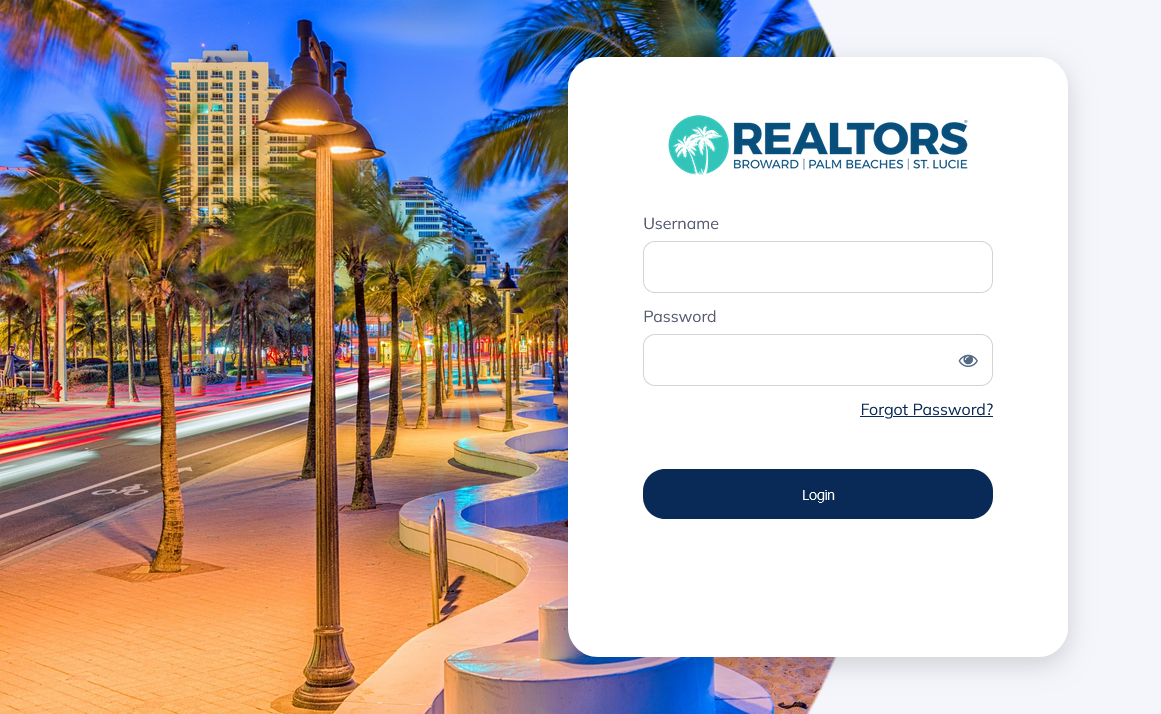
BeachesMLS Member Login
MLS Specific Login Instructions
Members of the BeachesMLS receive access to IMAPP as part of their membership. All logins to IMAPP for these users are managed through BeachesMLS 's login portal, accessible at https://myrealtordash.clareityiam.net/idp/login . Members can go to that address, and log in with their MLS credentials. After login, you will be taken to their product dashboard, from which you can click on the IMAPP button to start using IMAPP.
Alternatively, you can also access IMAPP as a link from within BeachesMLS's FlexMLS and Matrix MLS systems. There will be an icon that links to IMAPP on each Listing Report, which will open IMAPP's property report corresponding to the listing. FlexMLS users can also access IMAPP directly from the website URL: https://bmls.propertykey.com and Matrix users can use https://fll.propertykey.com . After selecting the address in a browser, you will be taken the login portal/Single Sign On provider to log in (if necessary), then returned to IMAPP.
For further information or issues with your membership, you can get contact information for Broward, Palm Beaches & St. Lucie Realtors® and the BeachesMLS at https://rworld.com/beachesmls.